
Add Products
Create your first products, then use the full products guide for settings and examples.
Overview
Products are what members purchase: recurring memberships, one-off charges, credit packs, and add-ons. Creating a product does not bill anyone or grant benefits. That happens when you create a subscription.
For launch, create one clear membership product (for example Individual Monthly). You can add more tiers later.
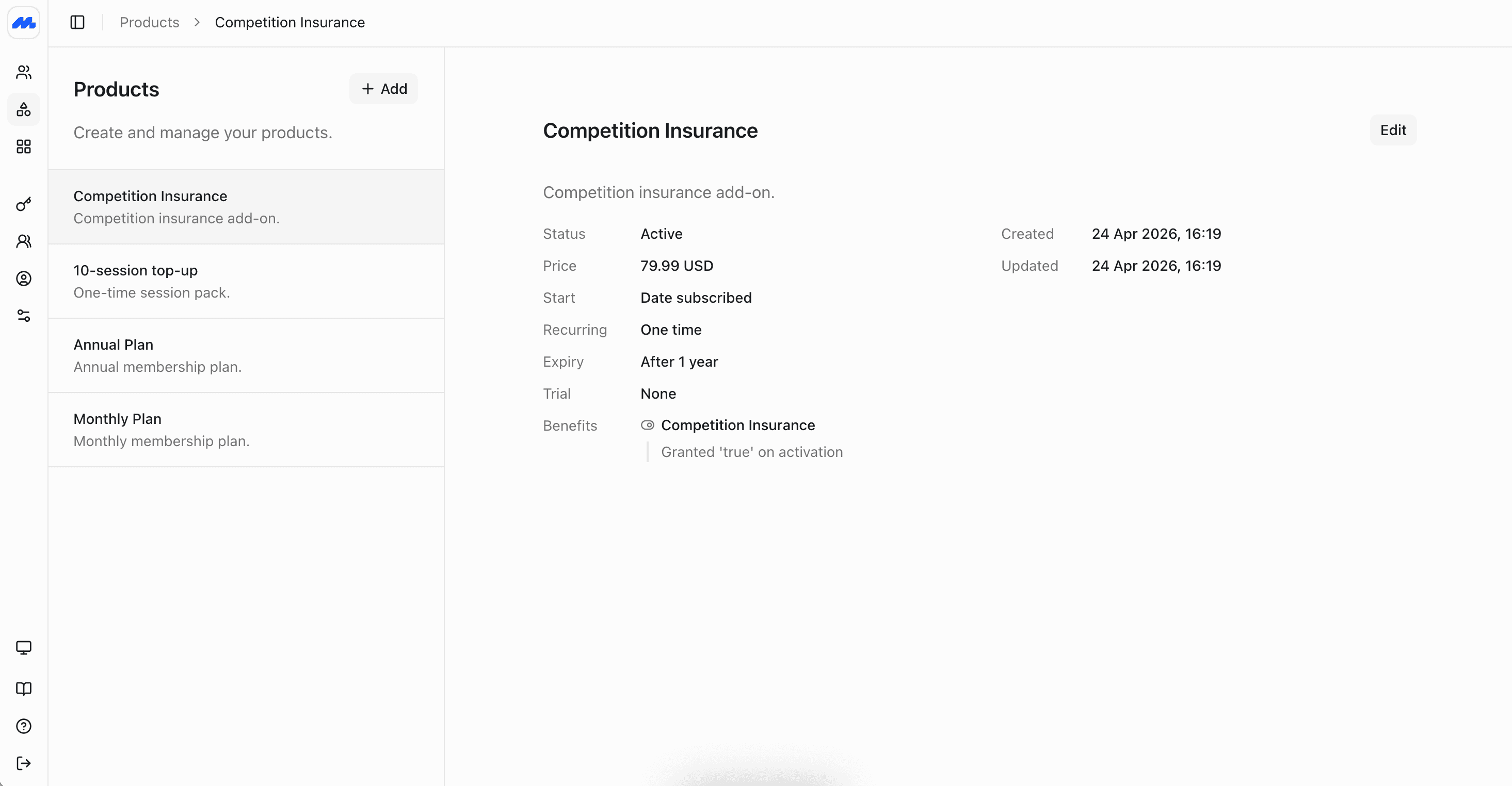
Create a product
In the admin dashboard, open Products and add a product.
- Use a recurring product for memberships that renew (monthly, annual, and so on)
- Use a one-off product for charges that should not renew, or put a joining fee on the membership product itself
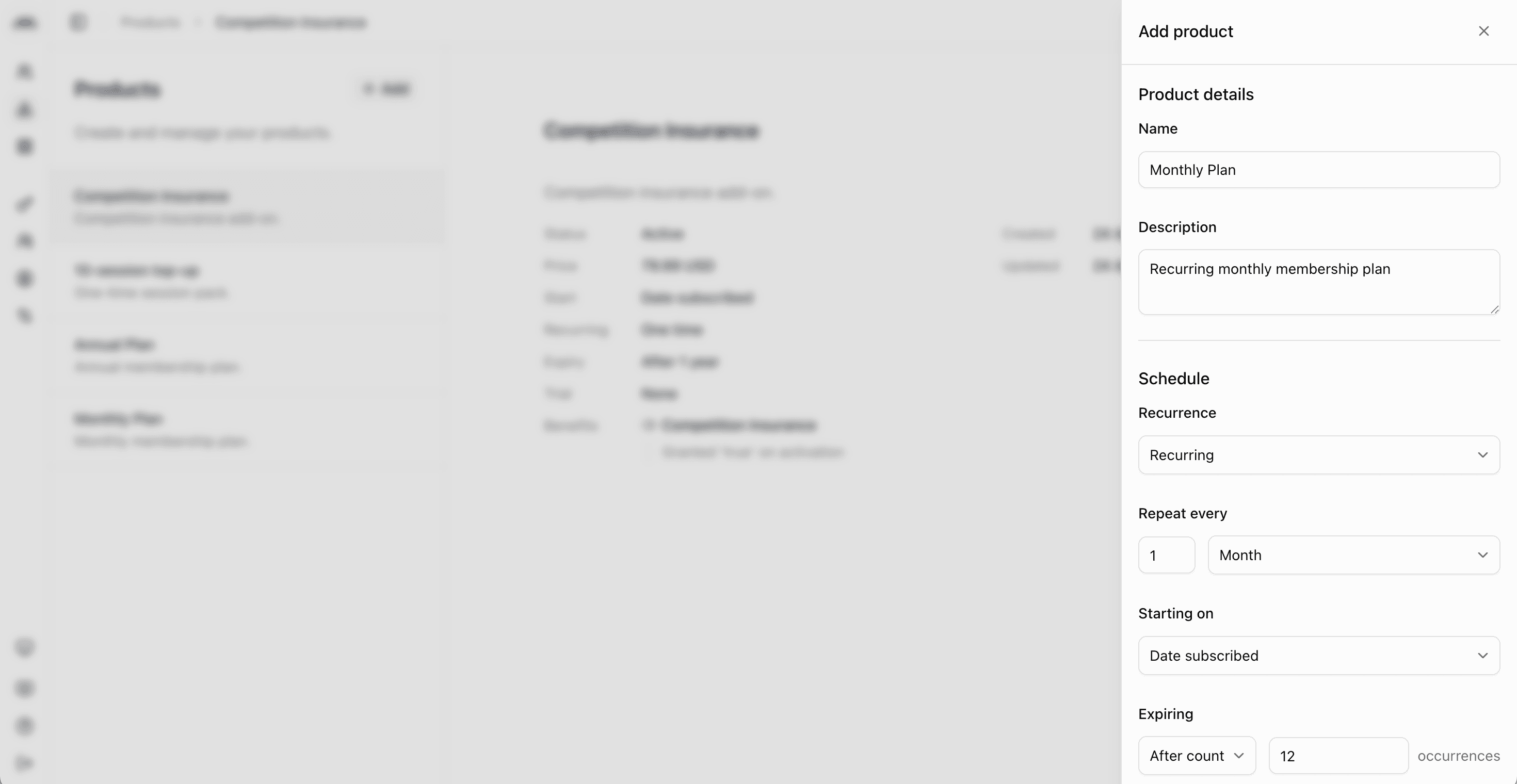
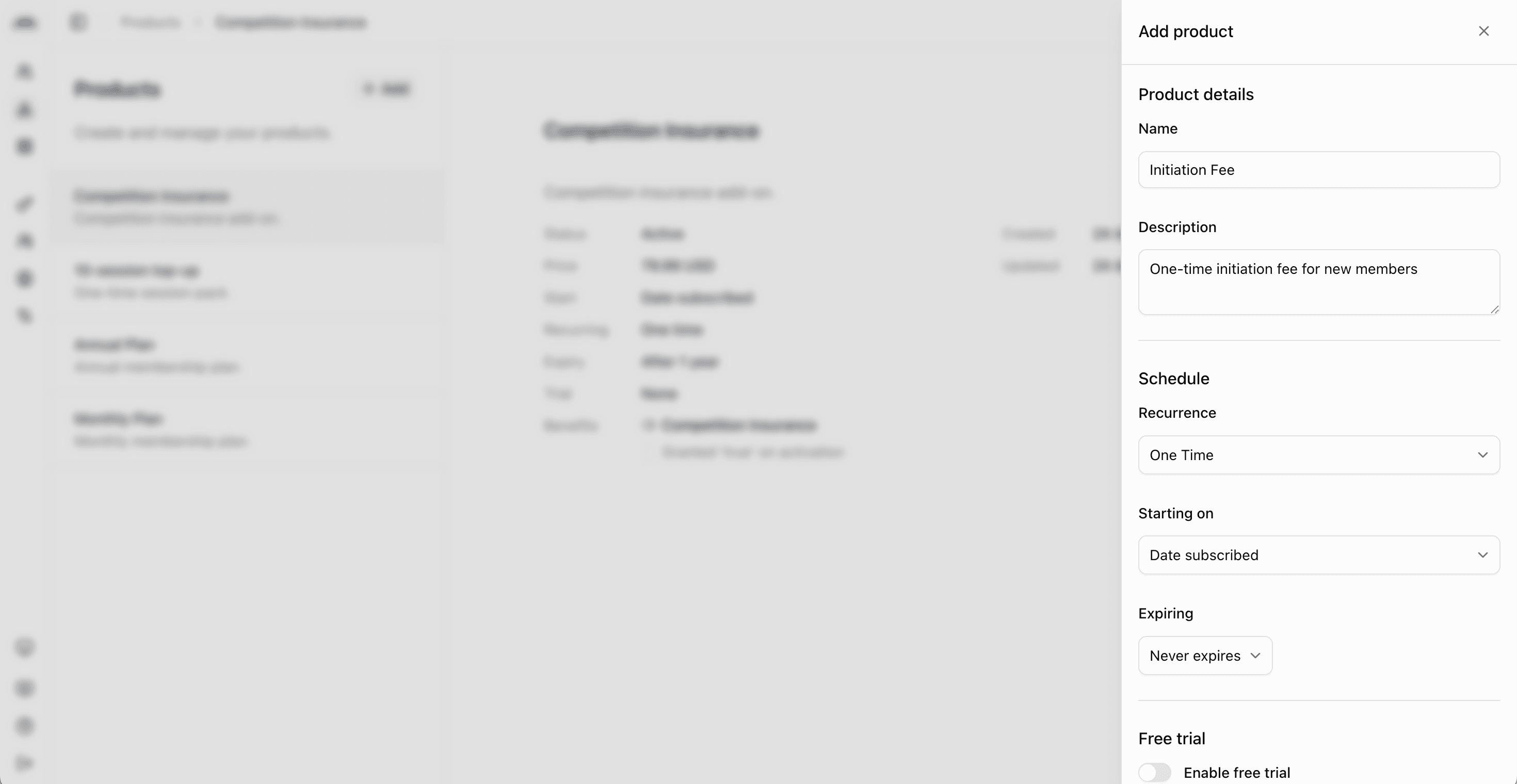
Full product guide
For product settings, recurring vs one-off, join fees, benefits, and example catalog setups, see Creating Products.
Next steps
- Add Members to create your member records.
- Then Create Subscriptions to assign products to members.