
Use the Admin Dashboard
Learn the main areas of the Members.dev dashboard and what they're for.
Overview
The Members.dev admin dashboard is where you manage your membership program day to day: members, products, subscriptions, invoices, and settings. If you do not use the API, the admin is the only way to manage your membership program.
Key areas (at a glance)
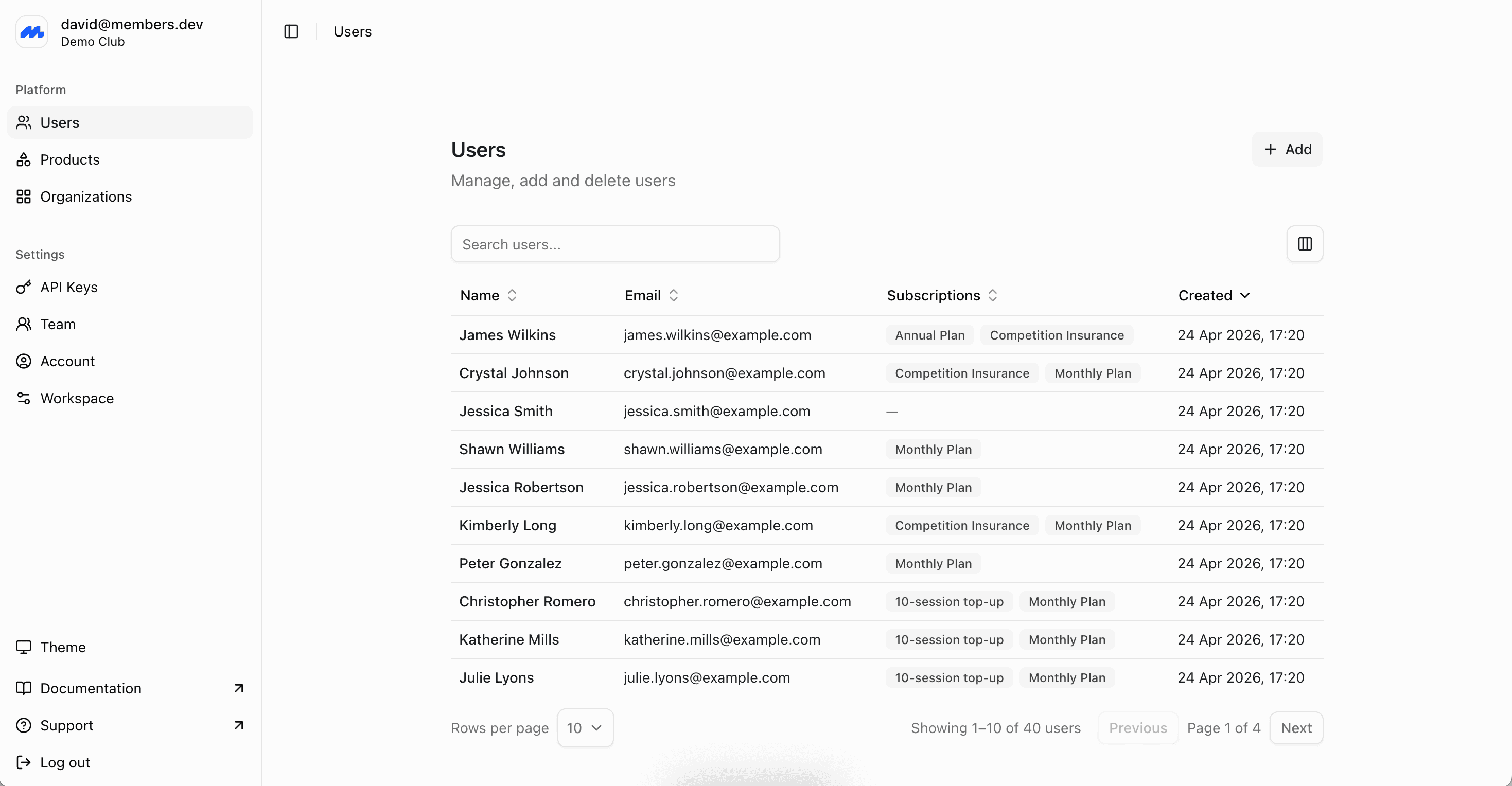
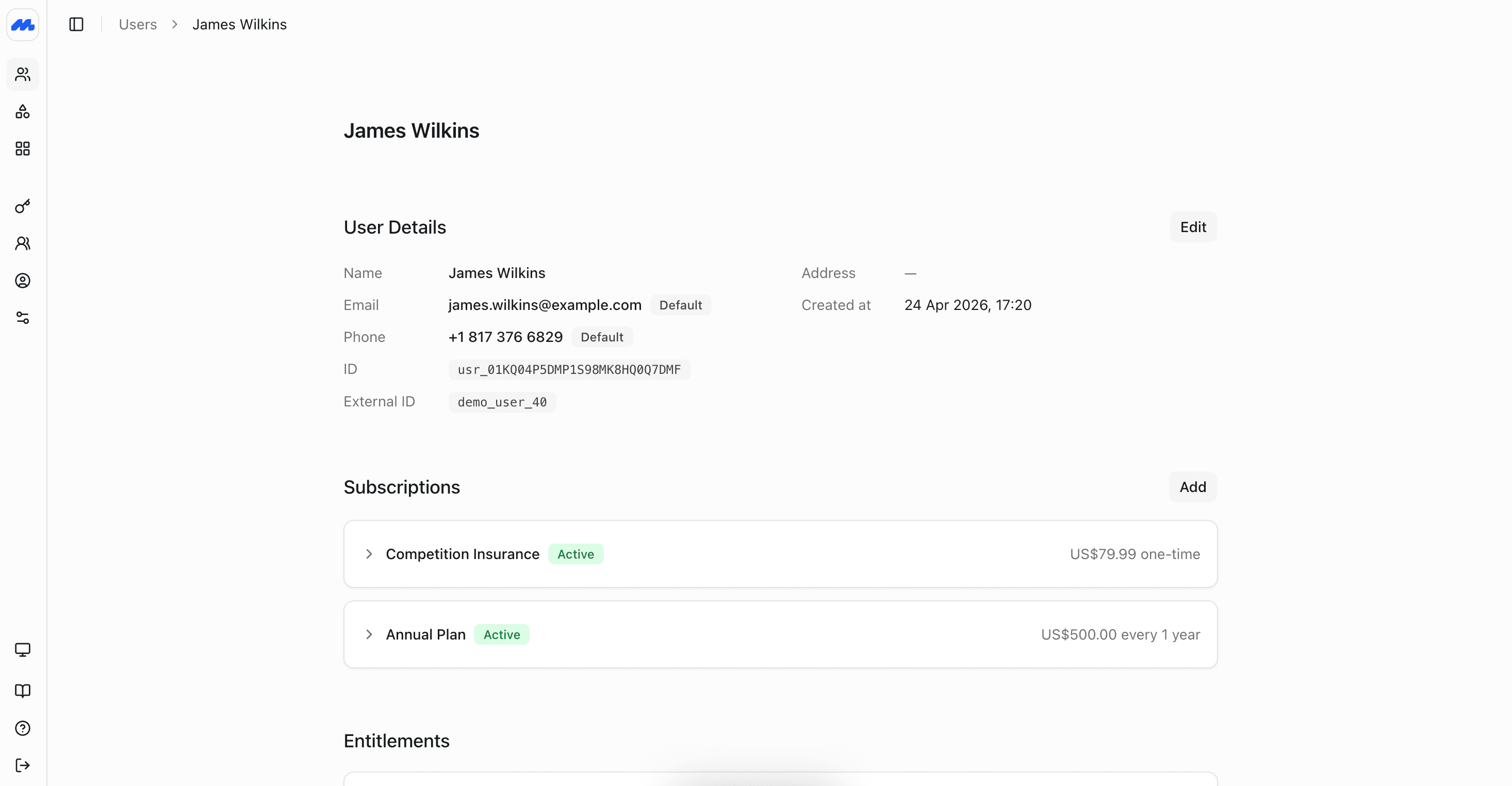
Members
Use this area to:
- View and search members
- Edit member details
- Review a member's subscriptions and invoice history
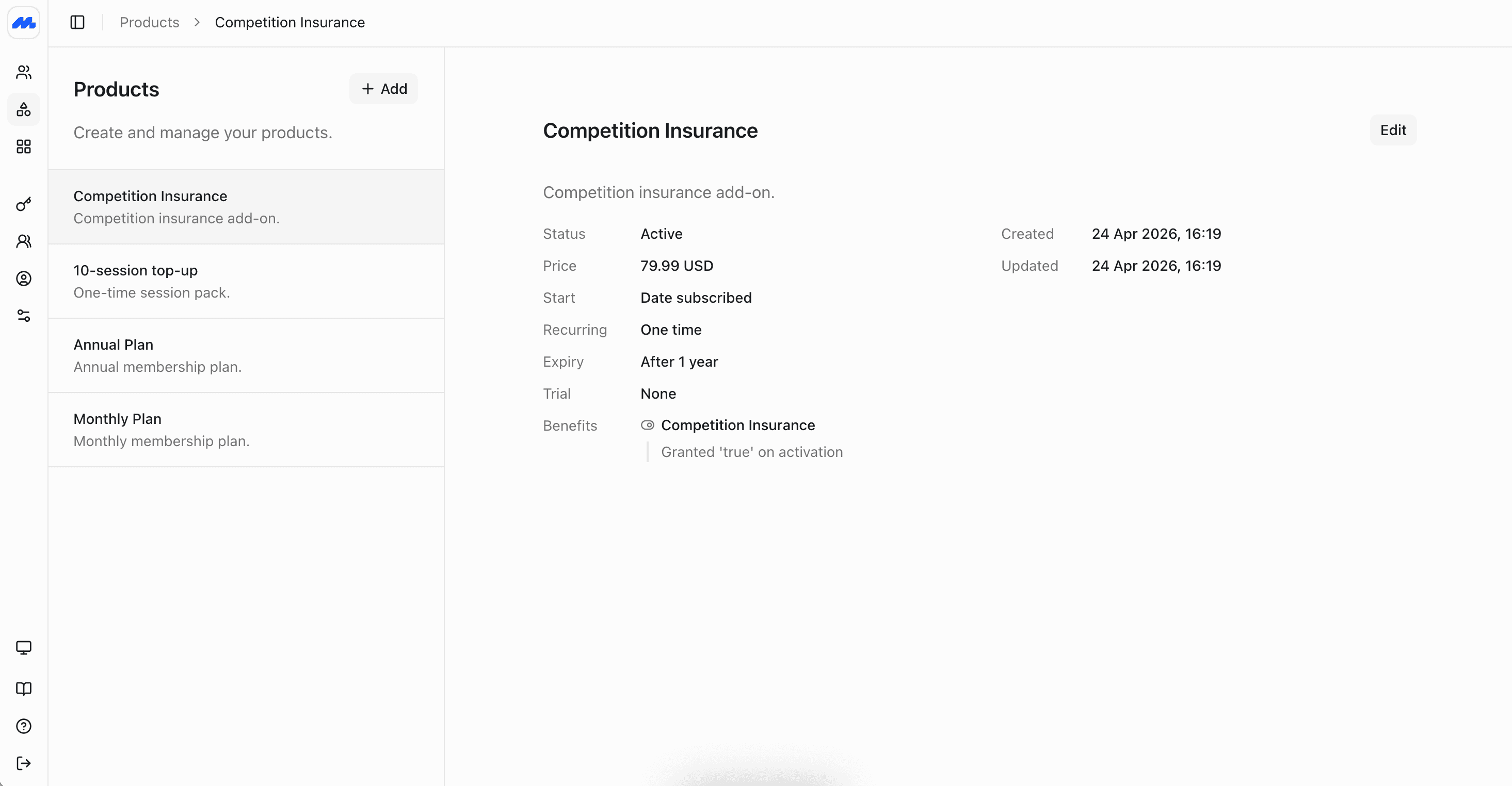
Products
Use this area to:
- Create one-off products (e.g. joining fees, merchandise)
- Create recurring products (e.g. monthly/annual memberships)
- Configure pricing and availability
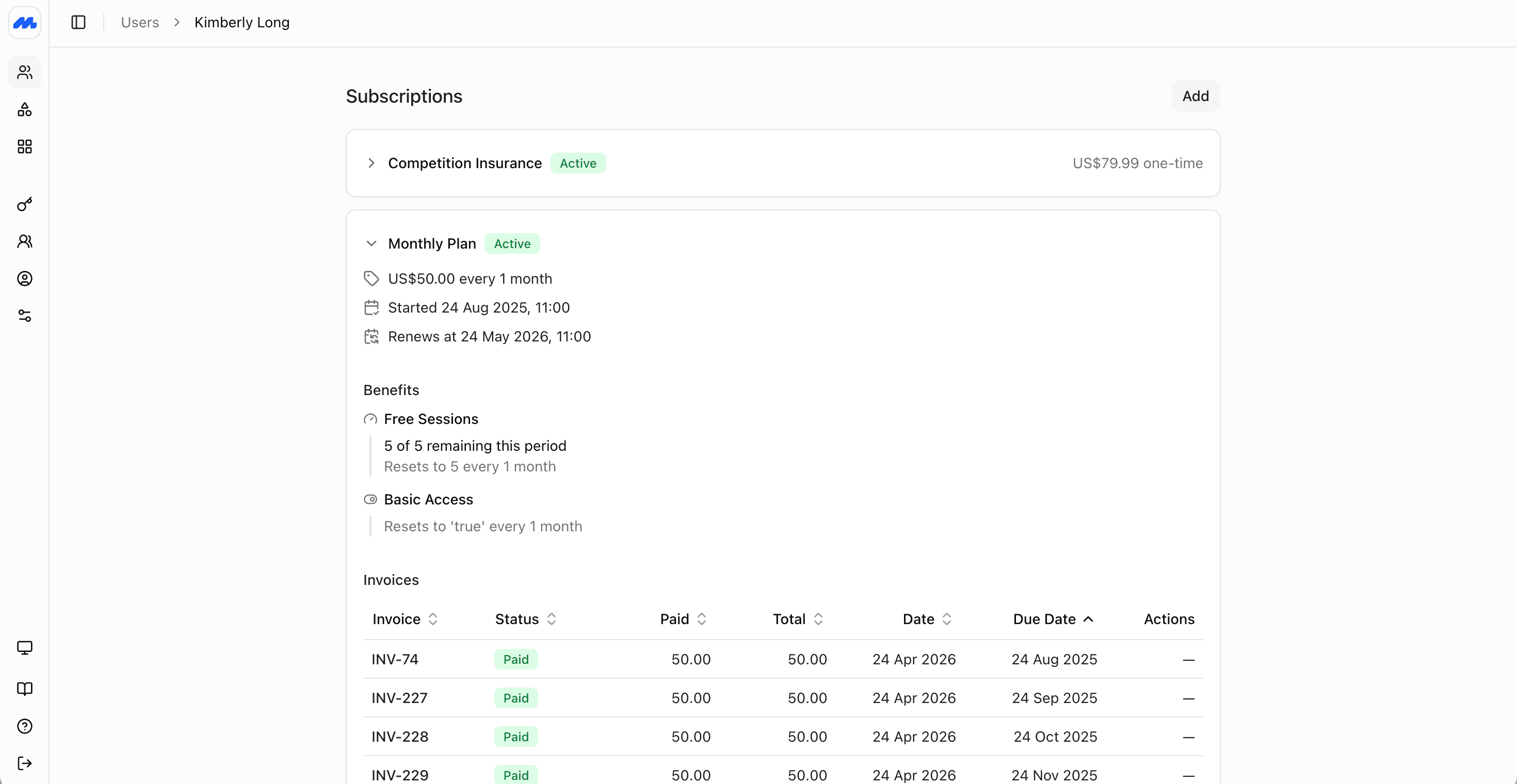
Subscriptions
Use this area to:
- See active, trialing, past-due, and cancelled subscriptions
- Change plans (upgrade/downgrade)
- Cancel or renew subscriptions
Invoices
Use this area to:
- Track invoices created by subscriptions
- See what's paid, open, and overdue
- Reconcile billing issues and resend invoices (where supported)
Settings
Use this area to configure:
- Organization details and branding
- Billing defaults (currency, tax settings, invoicing rules)
- Team access/permissions (if applicable)
Next steps
- Add Products to define what you sell.
- Add Members to start building your member database.