
Add Members
Add or import your first members, then use the full members guides for invites, fields, and more.
Overview
Members are the people (or companies) in your program. Once a profile exists, you can subscribe them to products and track invoices and entitlements.
Adding a member does not subscribe them, send an invite, or charge anything. Those come after the profile exists.
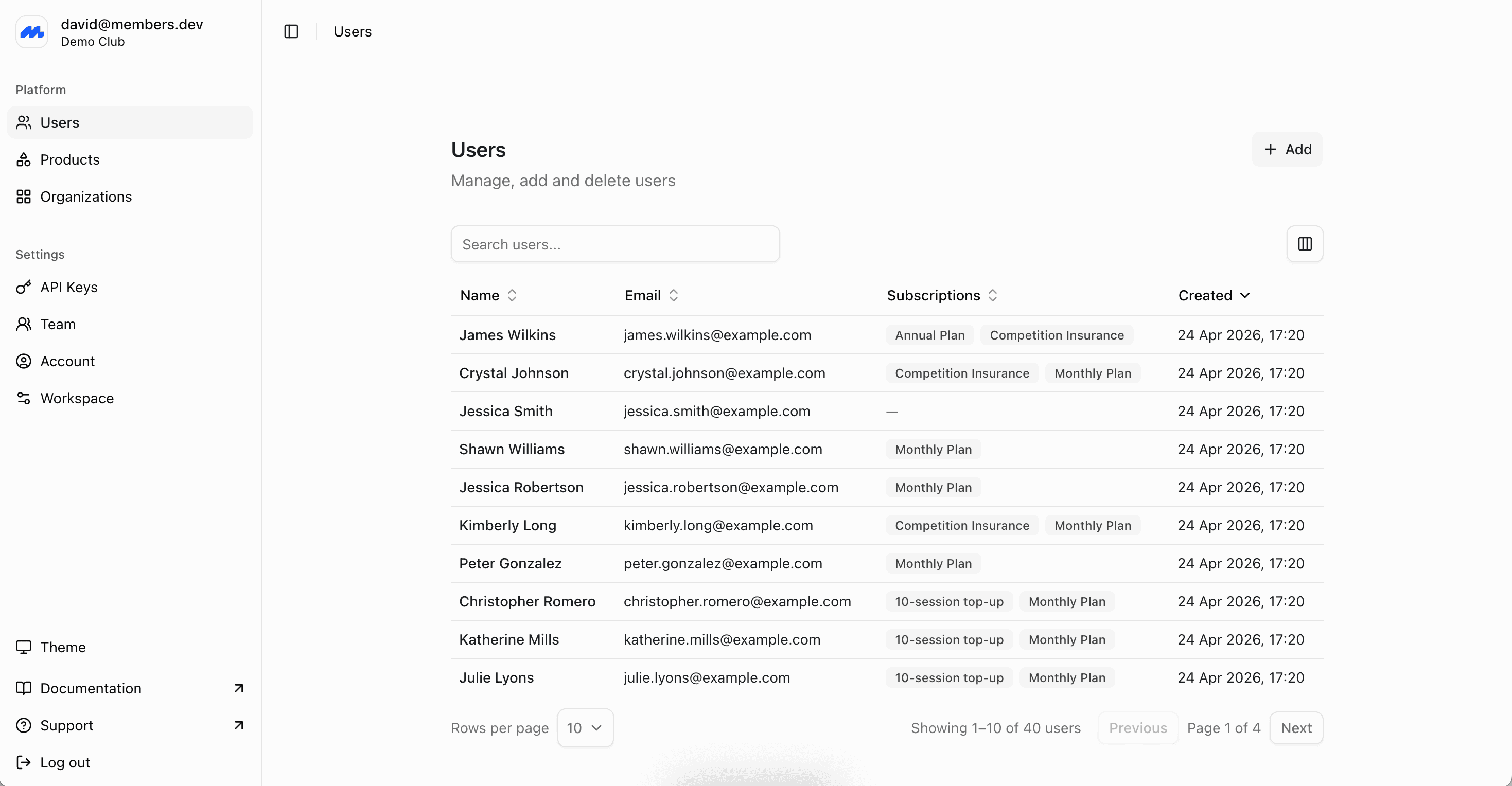
Add a member
In the admin dashboard, open Members and add a member. Name is required. Email is the usual identifier and is needed for invites and membership cards.
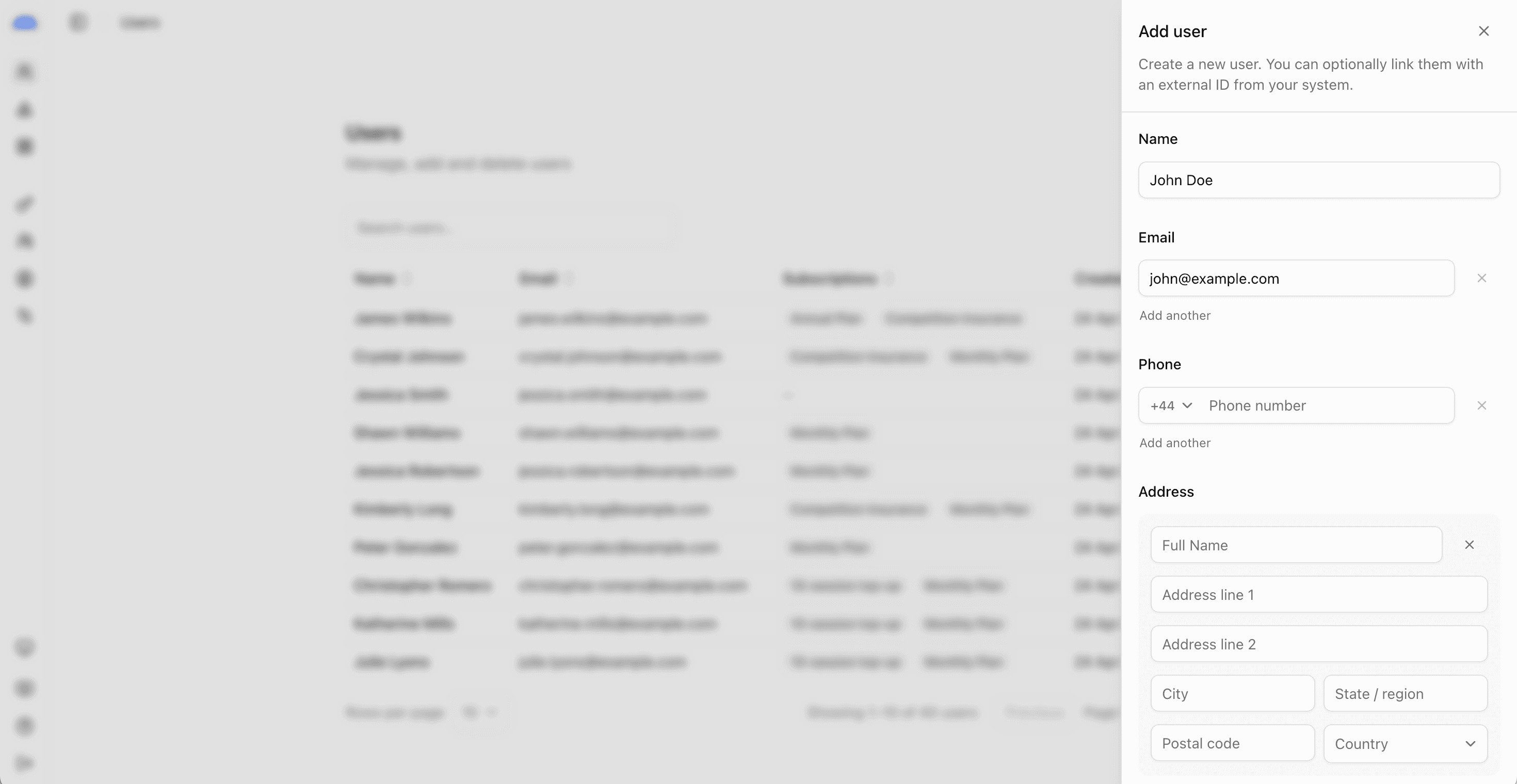
If you already have a list, import a spreadsheet from the members area, or contact support for larger migrations and custom connectors.
Full members guides
- Members overview for statuses, groups, and when to add vs invite
- Adding Members for manual add, import, and verification
- Inviting Members when someone should claim a profile and sign in
- Customising profile fields before you collect more data
Next steps
- Create Subscriptions to assign products to members.