
Create an Account
Create your Members.dev account and access the admin dashboard.
Create your account
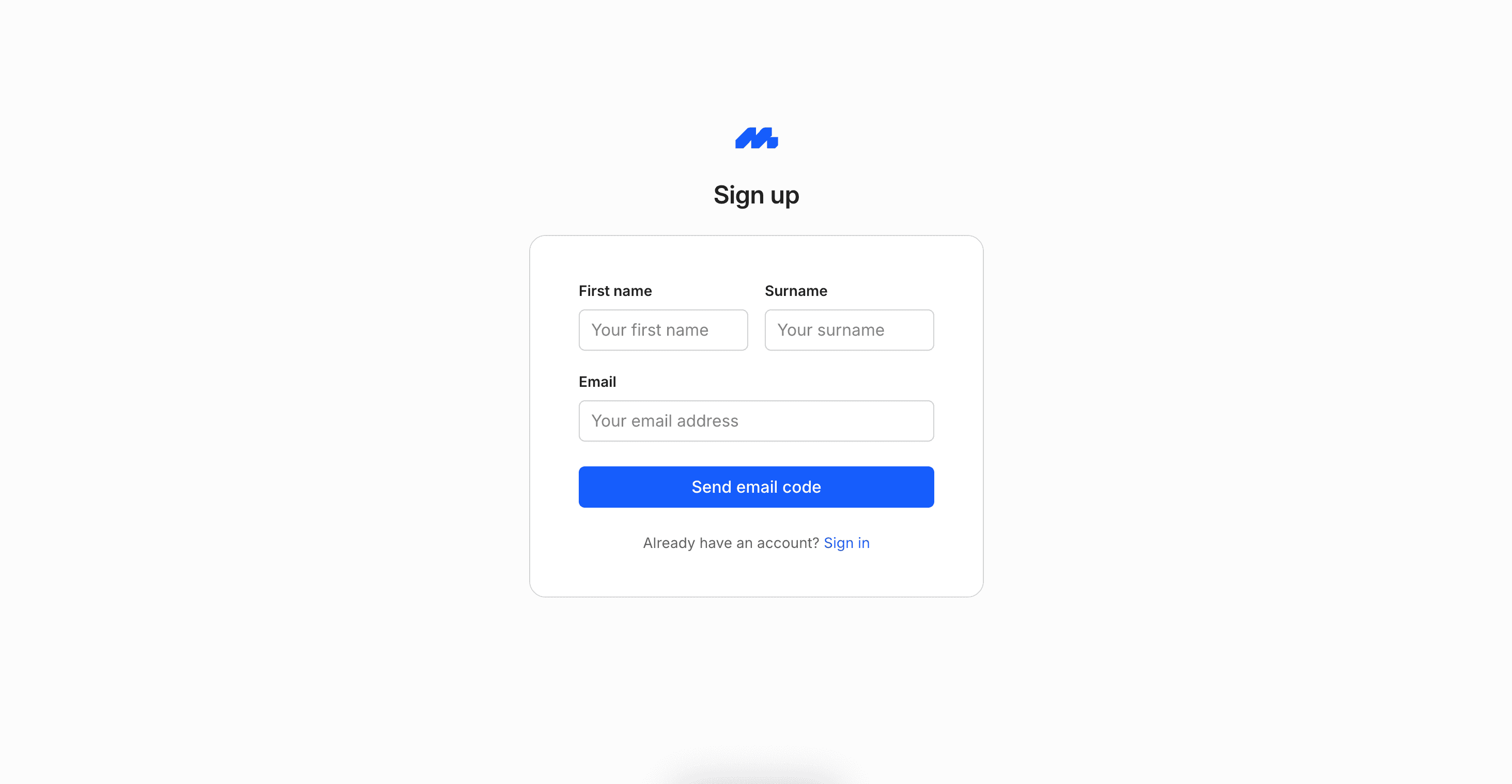
To get started with Members.dev, you'll create an account and sign in to the admin dashboard. From there you can set up products, add members, and start subscriptions.
- Use the sign-up flow to enter your email address.
- Use the code sent to your email address to verify your email address and log in.
Setup your workspace
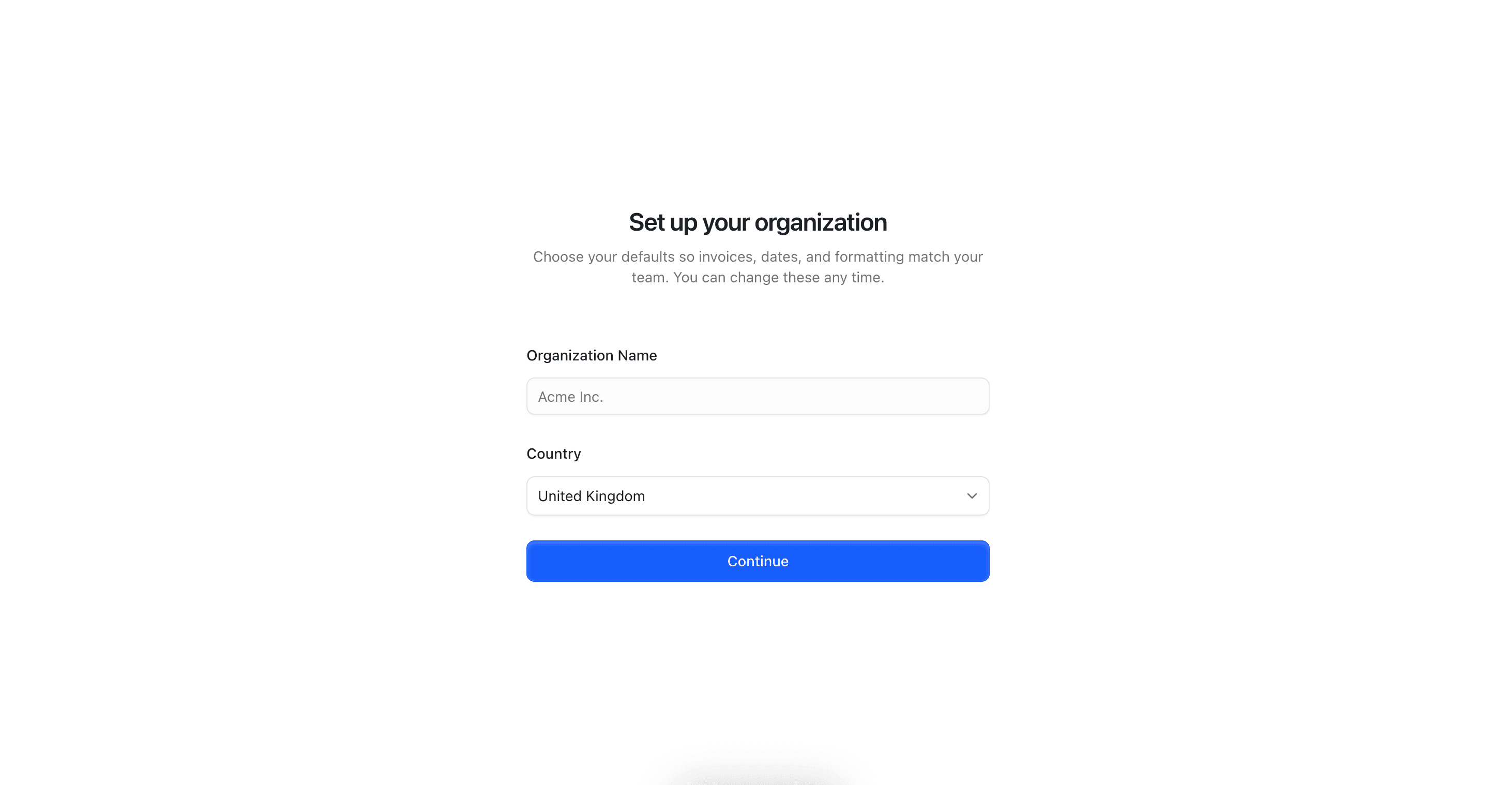
Once you're signed in, you'll be directed to set up your organization. This includes the name and country of your organization. If your country has multiple timezones, currencies or languages, you can also set those here.
Next steps
- Go to Use the Admin Dashboard to learn where the key areas live.
- Then Add Products so you can start selling memberships or subscriptions.