
Creating and Managing Benefits
Define boolean, meter, and custom benefits, set visibility, and keep your entitlement catalog organised.
Overview
Create a benefit when you are defining what members can be entitled to. Creating the benefit does not grant it to anyone. Grants happen when a member subscribes to a product that includes the benefit, or when you grant it directly.
In the admin dashboard, open Products → Benefits, then click Add. The same create and update operations are available on the Benefits API.
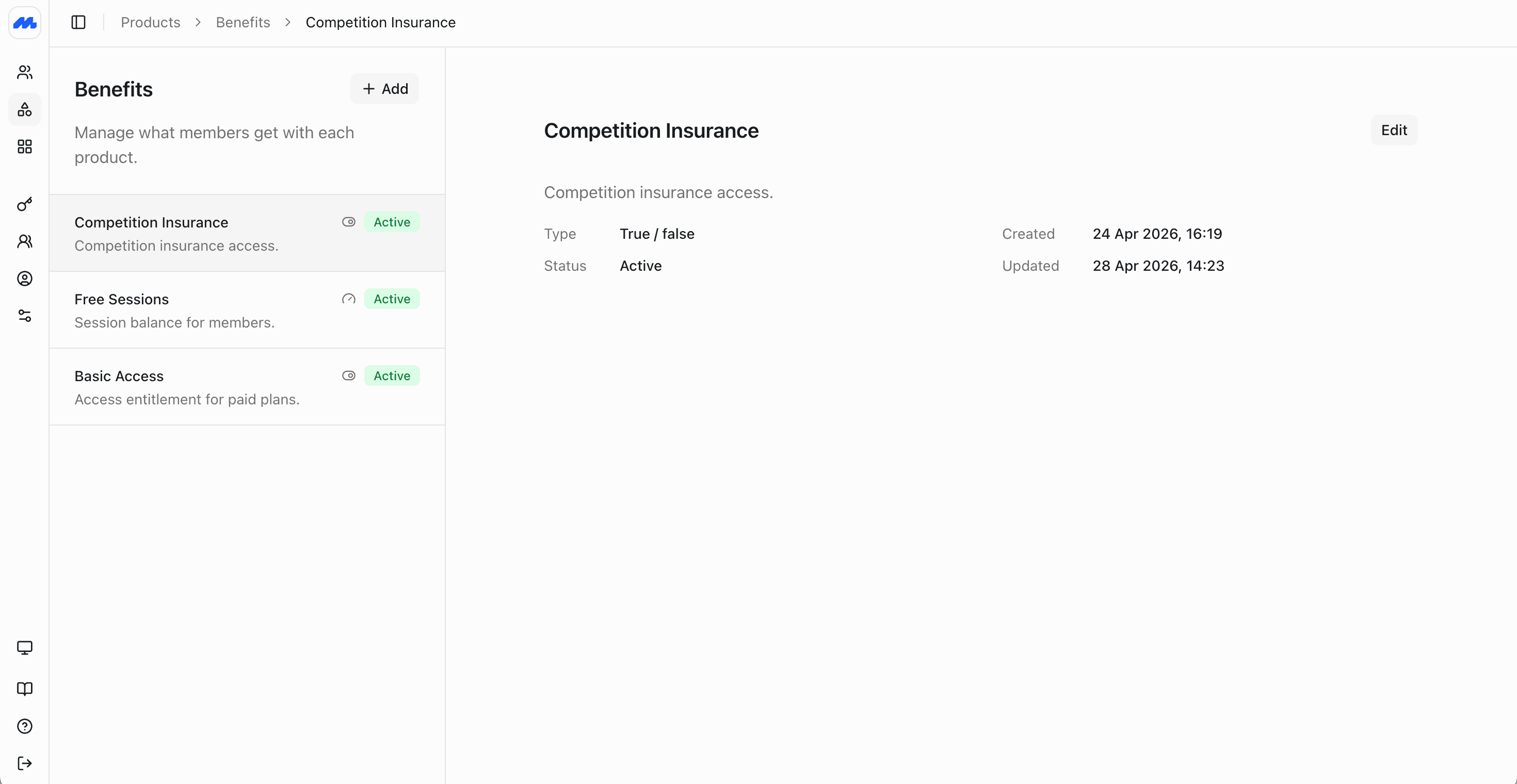
Benefit settings
| Setting | What it controls |
|---|---|
| Name and description | The label staff and members see. Use clear names like “Basic Access”, “Free Sessions”, or “Loyalty Points”. |
| Type | Boolean (on or off), Meter (numeric balance), or Custom (text). Chosen at creation and cannot be changed later. |
| Default value | For boolean benefits, the usual starting on/off state (typically on). For custom benefits, optional default text. Meter benefits set the starting balance on each grant instead. |
| Meter event name | For meter benefits only. A snake_case name such as free_sessions or loyalty_points. Usage events can target this name. If you omit it, Members generates one from the benefit name. Multiple meter benefits can share the same name so one usage event updates all of them. |
| Member visibility | Whether the benefit may appear in member-facing surfaces (website and app). Turn this off for staff-only or internal entitlements. |
Benefit type is immutable after creation. If you need a balance instead of an on/off flag, create a new meter benefit rather than editing the type.
Choose the right type
| Type | When to use | Examples |
|---|---|---|
| Boolean | When the answer is simply whether the member has access. When you check entitlements, you care about status (for example open) and the current true/false value. | Gym floor access, competition insurance, voting rights, member-rate booking eligibility |
| Meter | When you need a count that goes up and down. Set a finite starting balance on each grant (for example 10), or set the balance to unlimited so usage is tracked without running out. | Class credits, guest passes, visit packs, loyalty points, CPD hours |
| Custom | When the entitlement is a piece of text your staff or integrations need to read. | Partner discount code, locker assignment, external scheme reference, display tier name |
Meter balances change through usage events, including negative values when you credit points or reverse a debit. You do not edit the current meter balance directly on the grant.
Visibility and status
Member visibility controls whether members can see the benefit in the portal. Keep operational or sensitive entitlements staff-only even when they still drive access behind the scenes.
In the admin dashboard, benefits show as Active when they are available to attach to products and grant to members. Visibility and catalog status are separate from a member's grant status (scheduled, open, depleted, expired, revoked). A benefit can stay in the catalog while a particular member's grant is depleted or expired.
Attach benefits to products
Once a benefit exists, add it to the products that should include it. On the product you configure:
- Which benefits are granted
- How often grants renew (tied to the product schedule, or a custom schedule on the benefit rows)
- How long each grant lasts
- Starting amounts for meter benefits (finite or unlimited)
A single product can include several benefits with different rules. For example an annual plan might grant Basic Access for the full year, and Free Sessions that top up every month and expire after twelve months.
When a benefit is granted through a subscription, it stays available only while that subscription is in good standing. If the subscription becomes past due, paused, or cancelled, the benefits tied to it become unavailable automatically. See Managing Subscriptions.
Creating or editing the product does not change existing members until their subscriptions renew or you adjust grants. See Creating Products and Grants, schedules, and usage.
After the benefit exists
- Attach it to a product so new subscriptions grant it automatically.
- Grant, schedule, and record usage for members who already hold entitlements.
- Use the API when you need the same catalog and grants from door systems, booking tools, or a custom app: Create a Benefit, Update a Benefit.