
Introduction
How the benefits engine works in Members, and how entitlements connect products, subscriptions, and usage.
Overview
A benefit defines something a member is entitled to: facility access, event bookings, membership card access, class credits, guest passes, voting rights, a discount code, or a loyalty points balance.
The benefits engine is what makes Members a highly customizable membership management platform. It makes membership subscriptions more than a payment record by answering three questions consistently for staff and for your own systems:
- What is this person entitled to?
- How much do they have left (if the benefit is metered)?
- Why do they have it (which product subscription or manual grant)?
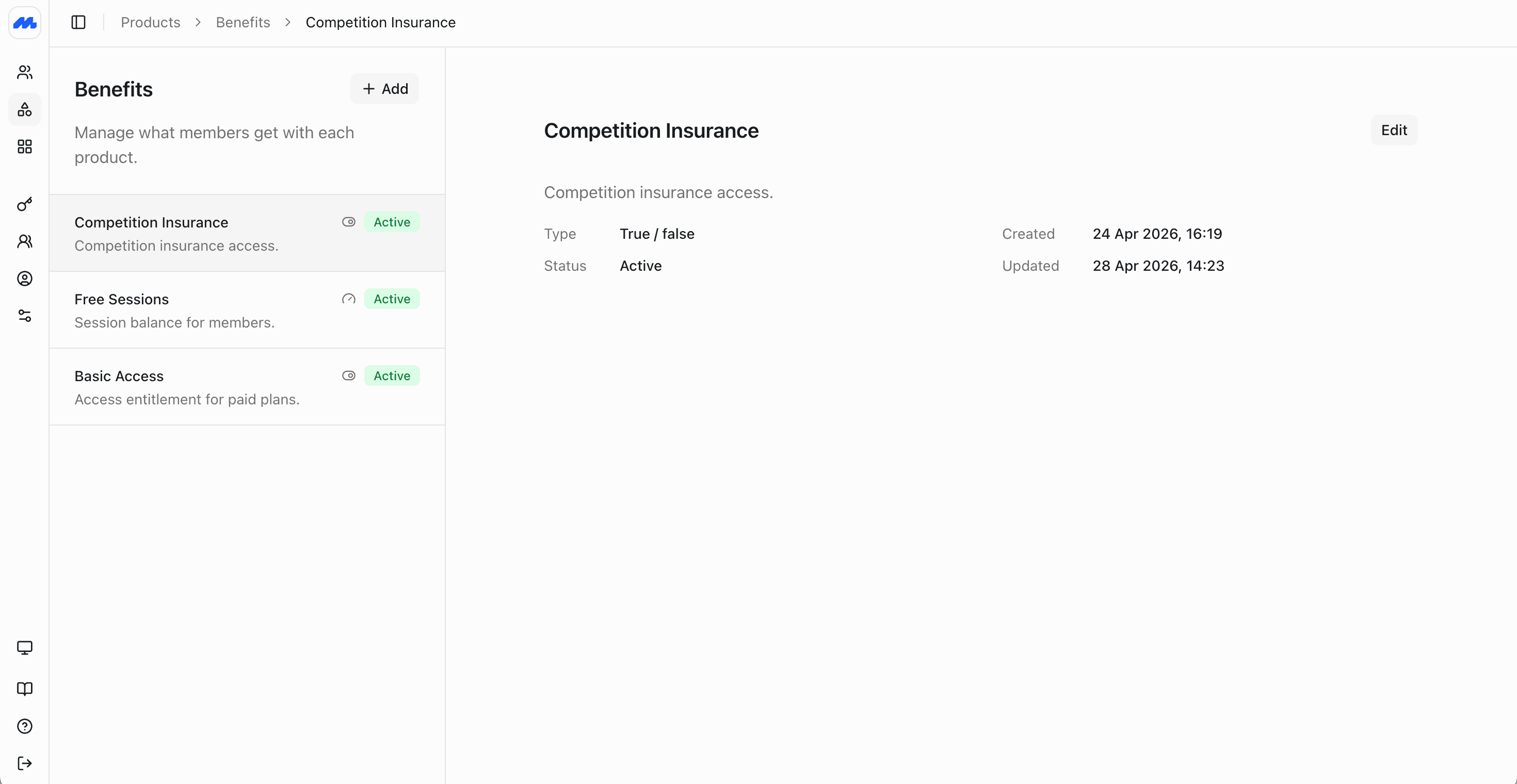
There is no limit on how many benefits you can define. Create them in the admin dashboard under Products → Benefits, or use the Benefits, Benefit Grants, Benefit Schedules, and Benefit Usage APIs.
Why the benefits engine is powerful
Most membership tools stop at tracking whether a member has paid.
Members goes further: entitlements can be attached to products or renewed on their own rules, benefit balances deplete and can be credited, stacked subscriptions combine cleanly, and every check-in or redemption can be recorded as a usage event.
That means you can model programs that usually need custom code or spreadsheets:
- A monthly membership that also issues a guest passes which roll over
- A 10, 20, or 30-visit pack that depletes as members book sessions, bought on top of a recurring plan with a base amount of sessions each month
- Multiple benefit schedules on the same product, like a monthly subscription that grants a free drink every day, and a free class every week
- A loyalty points balance that goes down on redemption and up when you credit points
- Family or corporate plans where some allowances are pooled across members and others are per person
- Event bookings gated by entitlement, including early access or discounted tickets for priority memberships
- Membership card access controlled by a benefit, so only entitled members can view or use their card
The building blocks
| Concept | What it is |
|---|---|
| Benefit | The catalog definition: name, description, benefit type, and whether members can see it |
| Grant | An allocation to one or more members: starting value, current balance, expiry date, and status |
| Schedule | A recurring rule for issuing grants, usually attached to a product, but can be created directly for members |
| Usage | An event that consumes or credits a metered benefit |
| Entitlement | The benefit summary view for an individual member: what they currently have across all open grants |
Benefit types
Every benefit is one of three types. The type is fixed when you create the benefit.
| Type | What it stores | Typical uses |
|---|---|---|
| Boolean | On or off | Facility access, membership card access, voting rights, insurance cover, member-only or event booking |
| Meter | A numeric balance (or unlimited) | Free visits, class credits, guest passes, loyalty points |
| Custom | A text value | Discount code, partner reference, tier label, locker number |
Benefits can be hidden from members, so that they don't see them on their profile page. This is useful for internal-only benefits, like operational room or venue access.
Example benefits
| Organization | Example benefits and type |
|---|---|
| Gyms and studios | Boolean facility access; meter for class credits or guest passes |
| Clubs and associations | Boolean voting rights; meter for guest passes; custom for committee role labels |
| Golf and country clubs | Boolean course access; meter for buggy or range credits |
| Loyalty and retail | Meter for points balance; boolean for VIP access; custom for promo codes |
| Professional associations | Boolean directory listing; meter for CPD credits |
| Spas and wellness | Meter for treatment credits; boolean for member booking window |
How benefits reach members
Benefits usually flow through products and subscriptions:
- Define benefits in the catalog.
- Attach them to a product with schedule rules (how often each benefit renews, how long each grant lasts, and how much is granted).
- When someone subscribes, Members automatically creates benefit schedules, which will grant the benefits to the covered members on schedule.
- Actions, like booking an event, or staff and integrations recording usage, will deplete benefits.
- Member entitlements are kept up to date and can be linked to granting access, booking, or redemption.
Benefits combine across a member's subscriptions. Foe example, a membership which grants 10 credits per week, plus a 5-credit pack will resolve to 15 credits.
You can also create schedules and grants directly for a member without a subscription, for comps, migrations, or staff adjustments. This is useful for one-off entitlements or adjustmnets, and for managing loyalty programs which are points based and not tied to a subscription.
Ways to work with benefits
Create and manage benefits
Define boolean, meter, and custom benefits, and control member visibility.
Grants, schedules, and usage
Grant entitlements, renew them on schedules, record usage, and check who has access.
Next steps
- Create benefits before you attach them to products, so the catalog matches what you sell.
- Create products and include the benefits on each offer.
- Record usage and check entitlements once members are subscribed, so balances and access stay accurate.