
Introduction
How member records work in Members, and when to add, invite, import, or archive someone.
Overview
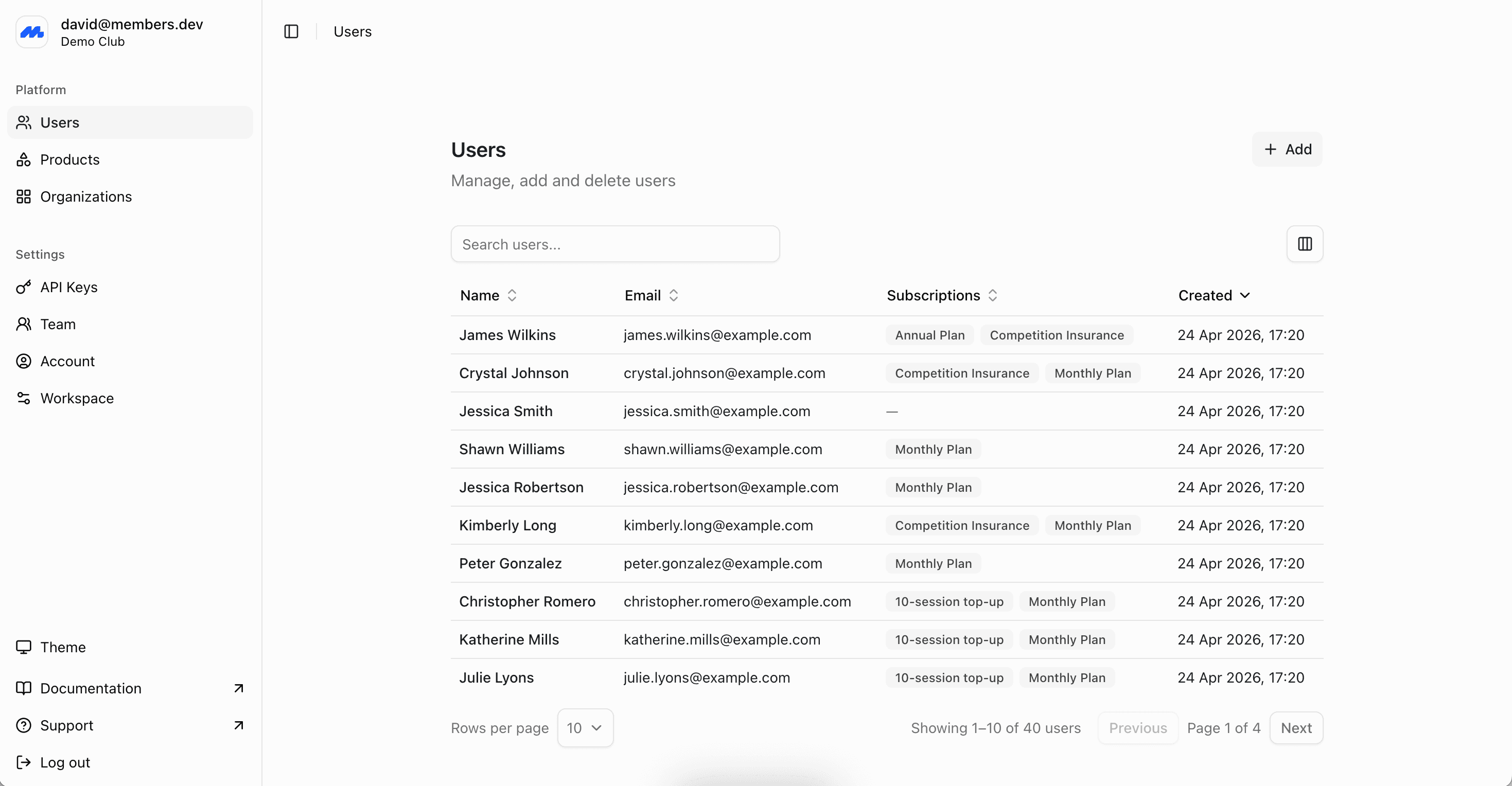
A member record is the person (or family, group or organization) in your program. It tracks who someone is, what they pay for, and what they are entitled to.
There is no limit on the number of members you can have. Add people in the admin dashboard, invite them to complete their own profile, or import a spreadsheet. The same records are available on the Members API.
Later, you can link a member with an account, so that the member can update their own information and purchase memberships.
What a profile holds
Every member has, at minimum, a name. Email, phone, and address are all optional when you create the record, but you will need an email to send an invite or a membership card. Payment processors like Stripe also require customer emails for charges.
Beyond the name, a profile is completely customisable and can hold:
- Custom fields: you define for your program, including fields only staff can see, or that members can see but not edit.
- Subscriptions, invoices, and entitlements: billing and access are linked to the same member record.
- Groups: such as a family, company, team, or committee.
- Linked accounts: to allow the profile owner to sign in and edit their own details
Name is the only field required to create a record. Email is the usual identifier. If you are matching members to an existing system, you can store that system's ID in the external ID field so imports and integrations can find the same record again.
What a member represents
A member is the smallest unit you keep a record for. Subscriptions, invoices, entitlements, and invites attach to that profile, so it should be whoever you need to look up, bill, or check in.
For most programs that unit is a person: one profile each, with their own email, card, and subscription. It does not have to be.
A company or other entity can be the member. If a company, club, or household is what joins, pays, and holds the entitlements, make that the profile. You would not keep records for the people inside it. Industry groups often work this way.
When people are the members, you can still group them. Put individuals in a group (a company, family, or team) so you can filter, export, and manage that set together. The people stay the profiles you invite, email, and entitle. Multiple members can also share one subscription, such as a corporate or family plan.
Status
A member profile is always in one of these statuses:
- Draft: Created by staff, not yet invited or treated as active.
- Pending: The profile is an application waiting for staff approval.
- Active: In the program.
- Archived: Removed from day-to-day lists. The record and its history are kept.
- Rejected: An application that was not accepted.
New records are active unless you set another status. Use draft when you want the profile ready before the person is invited.
Ways to add members
Add a member
Create a record by hand, or import a spreadsheet if you already have a list.
Invite members
Send an email so someone can claim their record and sign in.
GDPR
To request a copy of your data, or to request deletion, email support@members.dev with GDPR Request in the subject line.
Archiving a member keeps the record. It is not a data deletion. See Deleting a Member.
Next steps
- Accounts for how logins link to profiles, email restrictions after claiming, and disconnecting access.
- Customise profile fields before you collect data you will want to search and export.
- Create subscriptions once the people exist, so billing and entitlements attach to the right records.