
Not every membership program segments people the same way. One organization thinks in sports leagues, another in households, another in teams or class years, and another in corporate teams or volunteer shifts. We've just launched User Groups: arbitrary collections of members, where you define what each group means and who belongs.
Why user groups exist
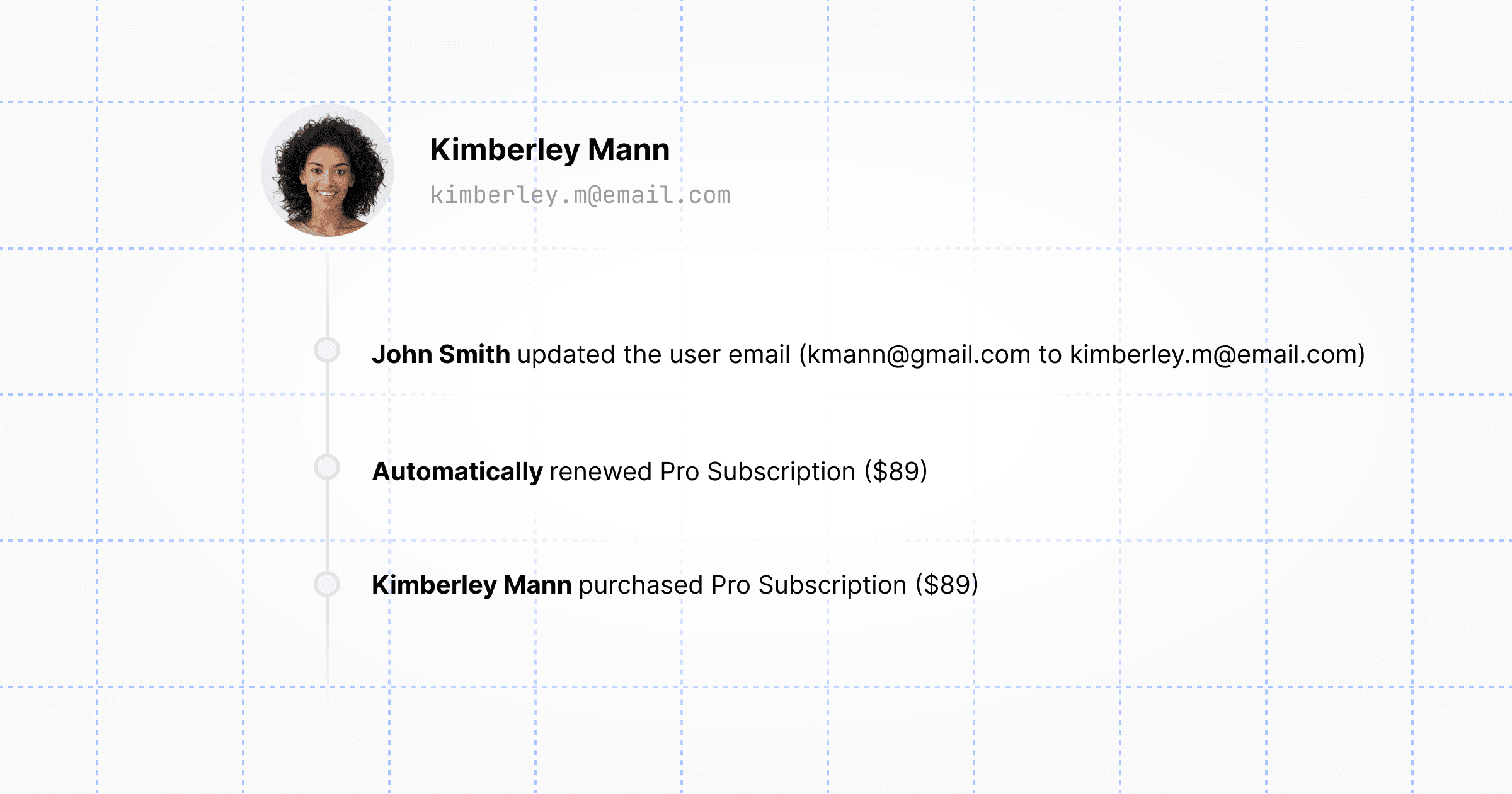
Many organizations have subsets of members that are not aligned with their billing structure: a team roster, a term's class, everyone helping at an event. It's still important to keep track of these groups, export them into a mailing list, and so on. User groups give you a stable place to name those subsets and add or remove members as needed.
Because there is no single right model, user groups stay intentionally minimal: a name, an optional description, and members (we track join and leave dates automatically). You are not forced into a hierarchy or a fixed group type—use them for whatever segmentation makes sense in your dashboard, exports, integrations, or member-facing apps.
See it in the dashboard
In the admin dashboard, create a user group, set its name and description, and add or remove members as your roster changes. The same data is available through the API, so dashboard edits and automation stay in sync.
You can also filter users by groups in the dashboard, so you can quickly and export a list of members based on the groups they belong to.
Work with the API
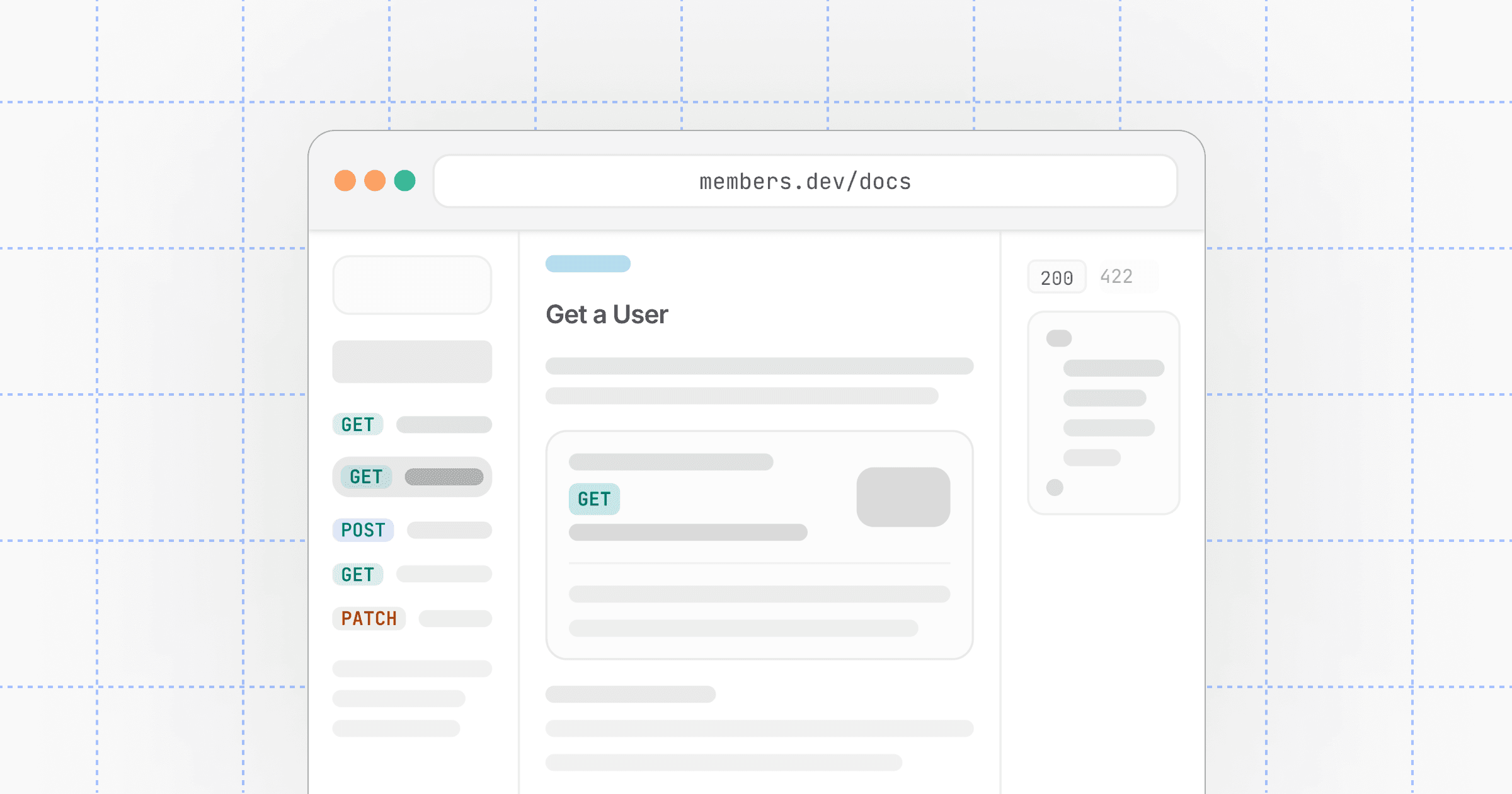
The Groups API mirrors the dashboard. Typical flows:
- List groups —
GET /v1/groupsto page through all user groups in your organization. - Get a group —
GET /v1/groups/{group_id}to load one group, including active members (and membership history when you request it). - Create, update, and delete — use create, update, and delete to manage groups and membership from scripts, onboarding flows, or your own admin tools.
When you list users, you can now filter by user_group_id to target members in one or more groups—for campaigns, access checks, reporting, or custom portals.
For full request and response shapes, see the API reference. This feature is also noted in the May 2026 changelog.