
Transparency and accountability are critical when managing memberships at scale. Today, we are launching Audit Log Events: a comprehensive, immutable trail of every change, subscription update, and renewal for every user in your organization.
Why audit logs matter
As your organization grows, so does the number of people and systems interacting with your member data. Whether it's an admin manually updating a profile, a member changing their tier in a portal, or an automated renewal process, you need to know exactly what happened and when.
Audit log events provide this visibility, helping you with:
- Troubleshooting: Quickly identify when and why a subscription state changed.
- Compliance: Maintain a permanent record of financial and data changes for auditing purposes.
- Customer Support: Give your support team the context they need to answer member questions about billing or access.
What is tracked
Audit log events capture a wide range of activities across the platform:
- Subscription Lifecycle: Track every creation, update, renewal, and cancellation.
- User Management: Monitor changes to user profiles, custom fields, and group memberships.
- Billing Events: See when invoices are generated, paid, or marked as overdue.
- Admin Actions: Keep a record of which team member performed specific actions in the dashboard.
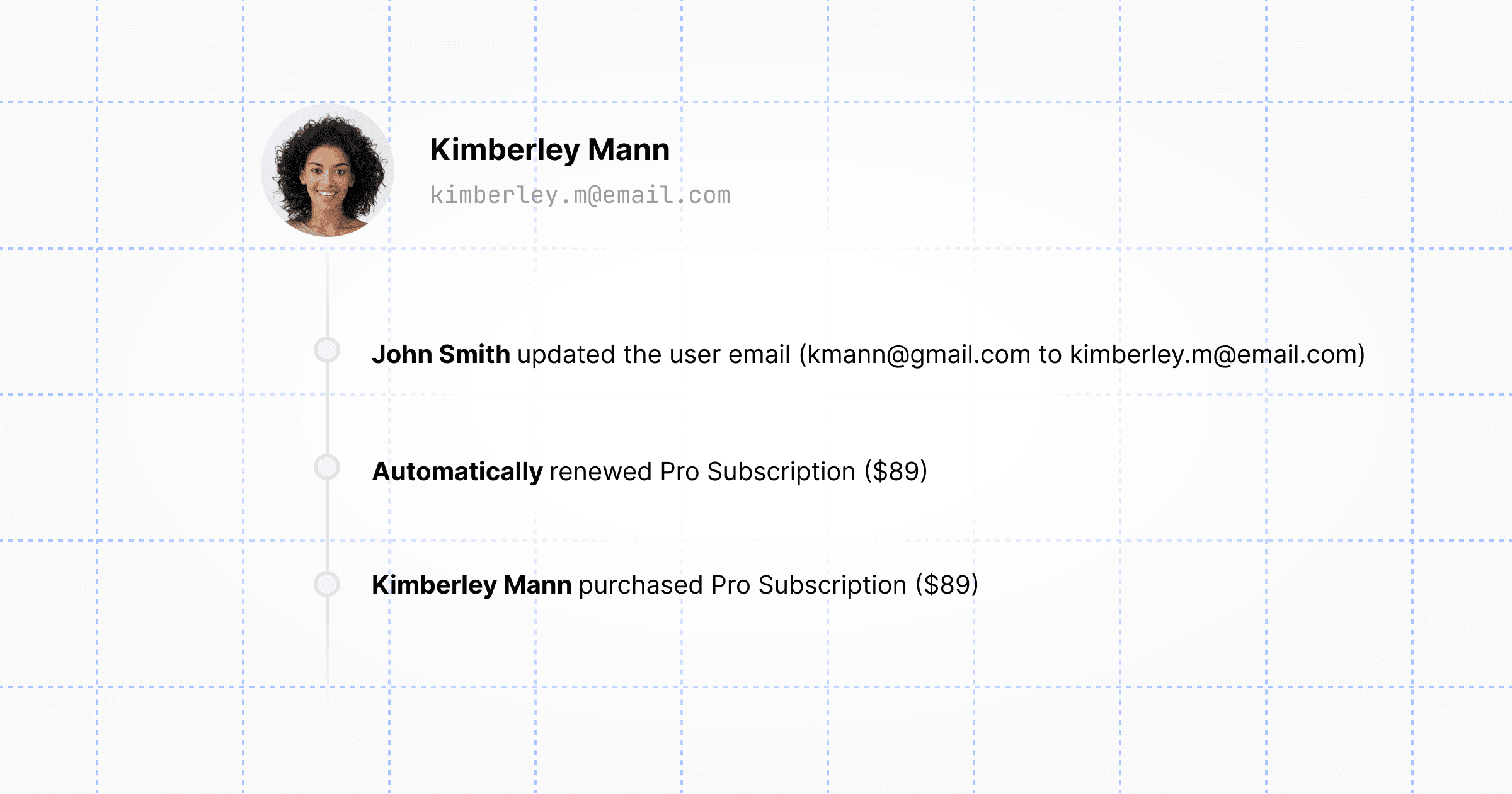
Each event includes a timestamp, the type of action, the actor who performed it (whether a user, an admin, or the system), and the relevant entity IDs.
Access via Dashboard and API
You can view audit logs directly in the Members.dev admin dashboard under the activity tabs for users and subscriptions. This gives you an immediate, human-readable timeline of events.
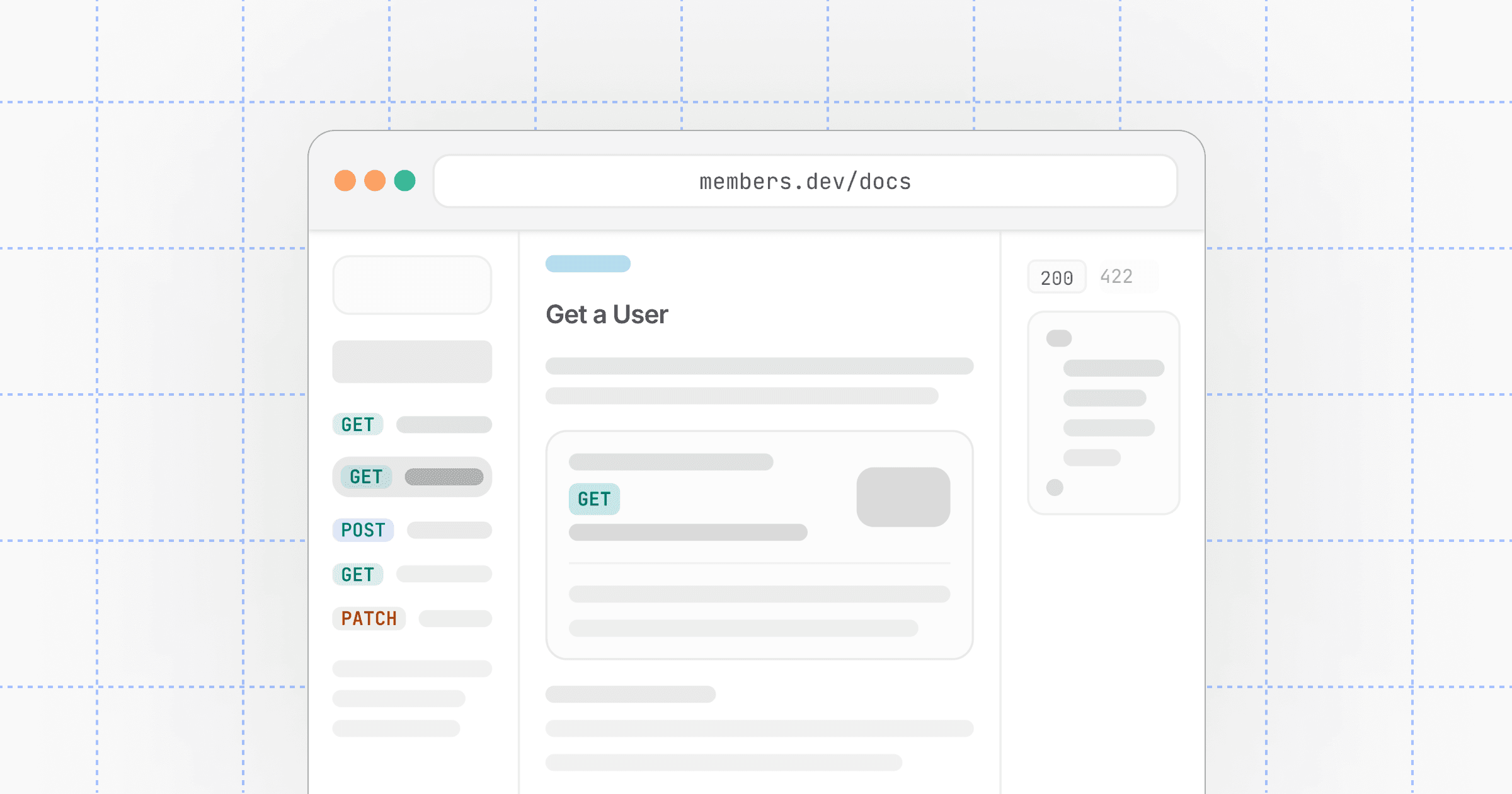
For developers and automated workflows, the same data is available via the Log Events API.
Typical flows include:
- Listing log events —
GET /v1/logsto retrieve a paginated list of all events in your organization. - Filtering by entity — Use query parameters to narrow down logs for a specific user or subscription.
- Security Monitoring — Export log data to your own security information and event management (SIEM) tools for advanced monitoring.
Getting started
Audit log events are now active for all Members.dev accounts. You don't need to do anything to enable them—events are being recorded automatically from today.
Explore the Log Events API reference to see how to integrate these events into your own tools and workflows. As always, if you have any questions or feedback, reach out to us at support@members.dev.