Every membership program has unique data requirements. Whether you need to collect t-shirt sizes, professional certifications, emergency contact info, or signed liability waivers, a fixed set of user attributes is never enough. Today we're launching Custom Fields, a powerful way to extend your membership database to fit your exact needs.
Add custom fields to your membership database
Custom fields aren't just "metadata" blobs. They are first-class objects in your membership database. When you define a custom field, it becomes a part of your organization's schema.
- Multiple Types: Choose from text, numbers, checkboxes, dates, and more to ensure your data stays clean and validated.
- Admin-only or User-editable: Control who can see and edit each field. Make a field "Admin Only" by preventing users from seeing or editing it, useful for internal notes or vetting status, or make it "User Editable" to let members update their own profiles in the portal.
- Required or Optional: Control whether a field is required or optional.
- Dashboard Integration: Custom field data appears directly alongside standard fields in the user list. You can see the data at a glance without clicking into every profile.
Filter and segment with ease
Because custom fields are deeply integrated, they are fully filterable and exportable. You can quickly pull a list of all members who have a specific certification, everyone who selected "Large" for their t-shirt size, or anyone who hasn't yet signed a mandatory waiver.
This makes your custom data as actionable as standard fields like "Email" or "Join Date." Our customers are already using custom fields in mailing campaigns, event check-ins, or third-party reporting.
Create custom forms for members, products, and more
The real power of custom fields lies in how they can be attached to different objects and grouped into configurable forms using Custom Fieldsets:
- Custom Registration Forms: Attach a fieldset to your user creation flow to collect necessary information right at the start.
- Product-Specific Requirements: Attach a consent or waiver form to specific product subscriptions. Members can be required to complete these fields before their subscription is activated or renewed.
- Automated Workflows: Use custom field values alongside our webhooks triggers to segment users into User Groups or add a Subscription automatically.
See it in the dashboard
Custom fields will immediately be available across the platform—on user profiles, in filters, and via the API.
Define your fields by clicking the "Manage" button in the "Custom Fields" section of the user profile page:
Work with the API
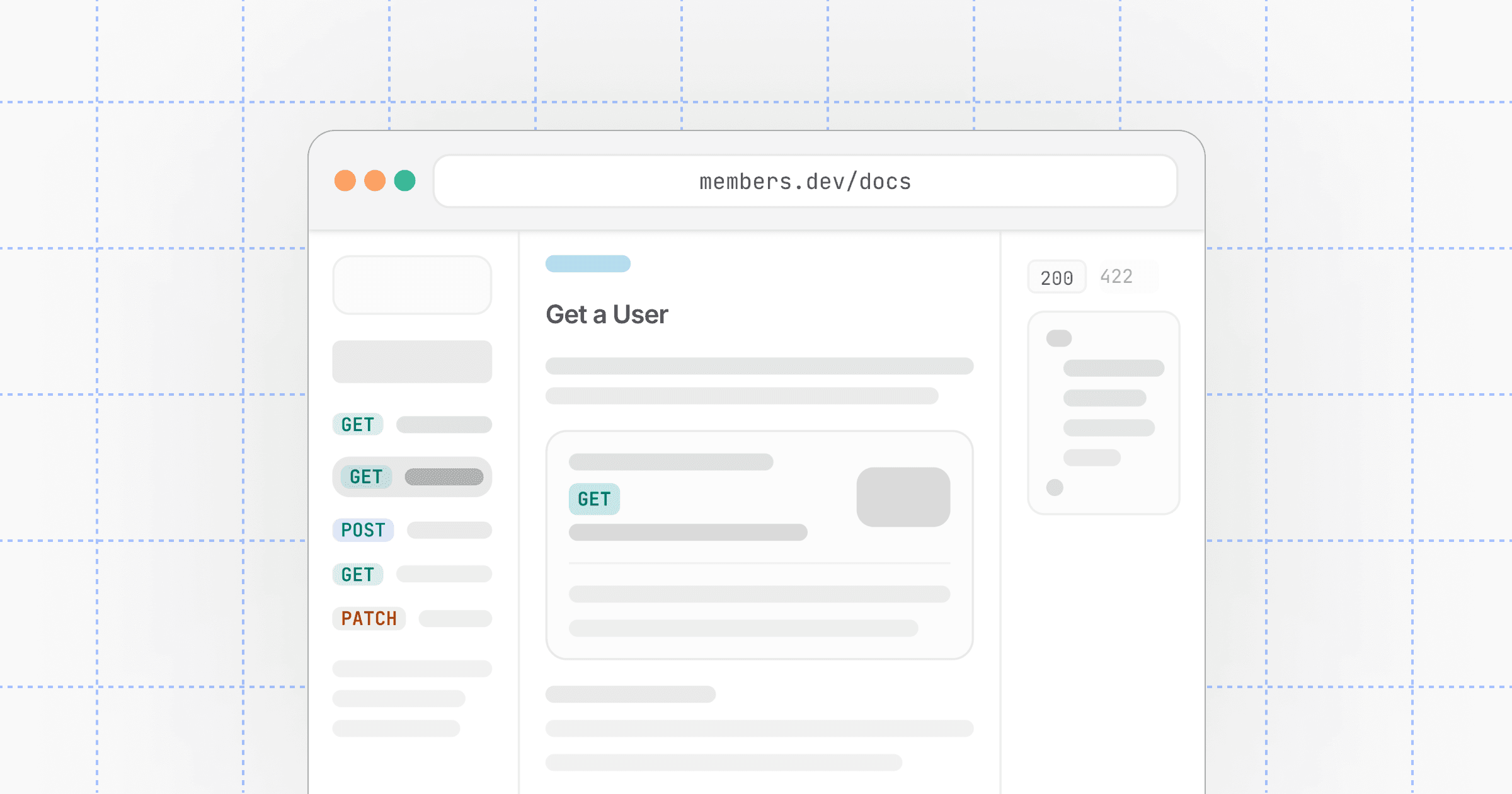
The Custom Fields API gives you full programmatic control over your data schema and the values assigned to objects.
- Custom Fields API — Manage the definitions of your fields:
GET /v1/custom-fields. - Custom Fieldsets API — Group fields together for forms and specific objects:
GET /v1/custom-fieldsets.
By combining these with the Users API, you can build highly customized onboarding and management experiences that look and feel native to your application.
For more details, check out the API reference and our May 2026 changelog.